COURSEWORK
Rakshitha's AI-ML-001 course work. Lv 1
| Rakshitha S | AUTHOR | ACTIVE |
# Rakshitha S AIML Report Level-0
15 / 3 / 2026
TASK 1: 3D Printing
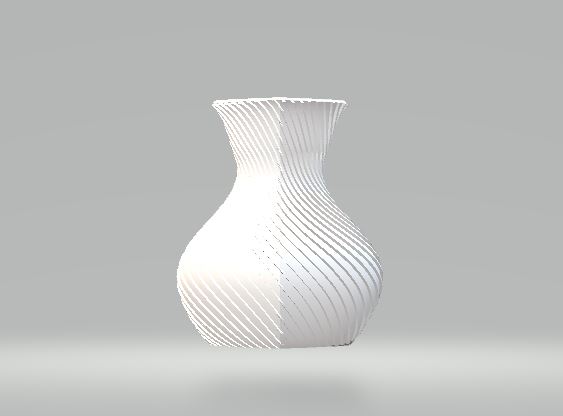
I learned how a 3D printer works and understood the purpose of an STL file in 3D printing. I learned to use slicer software like Ultimaker Cura to convert the model into G-code. I also understood important settings such as bed temperature, infill density, and layer height for PLA. Under supervision, I sliced an STL file and prepared it for printing successfully.
Task 2 : API
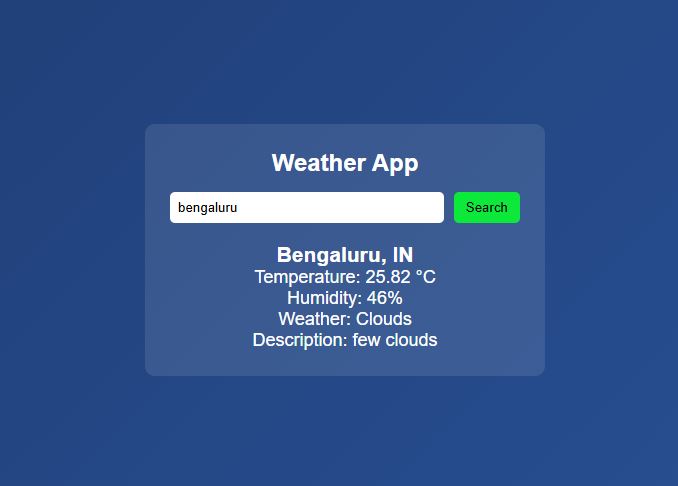
This weather application project leverages an external weather API to make HTTP requests based on user input, processes the returned JSON data, and dynamically updates the web page to show weather details. The project taught me how to handle asynchronous API calls using JavaScript, how to manipulate the DOM to display results, and how to structure a basic responsive web interface. Open Weather App
Task 3 : Working with Github
Git and Github are essential tools for any developers. Git is a version control system that lets users track changes made to a source file, whereas Github is a platform that hosts Git repositories.
For this task, I first forked a repository, which means I made a copy of it in my Github, then I cloned it, i.e. I copied it into my local machine.
Then, I rectified the error in the affected file, after which I committed (saved) my changes to my Github repo. After this, I submitted a pull request to the original repository to merge my changes with their repository.
Task 4 : Getting familiar with command line
The task was to practice basic Linux commands on Ubuntu and become familiar with using the command line interface in Linux OS.
Learned commonly used Linux commands such as cd, ls, and touch etc Understood how these commands make navigation from one directory to another easy and file handling more time-efficient compared to manual methods.
- Created a directory using mkdir command and navigated to it using the cd command.
- Used the touch command to create blank files.
- Listed all files in the directory with the ls command.
- Created 2600 folder using single command.
- Created two text files and added some random text to them and concantenated both the files and displayed their content on the terminal using cat command.
Task 5: Build your own brain
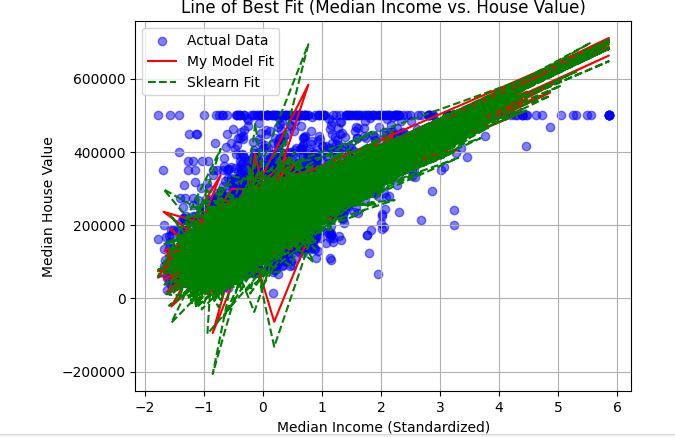
Objective Dive into the core of machine learning by implementing Linear Regression from scratch using , and compare its performance with the scikit-learn implementation. Use the California Housing dataset to evaluate your model on real-world data.
Learnings and Outcomes I learnt about linear regression. I learnt how to plot graph using Jupyter notebook. By using this concept I plotted graph of median income v/s housing median age.
Open Linear Regression Task Notebook
Task 6 : Matrix Puzzle
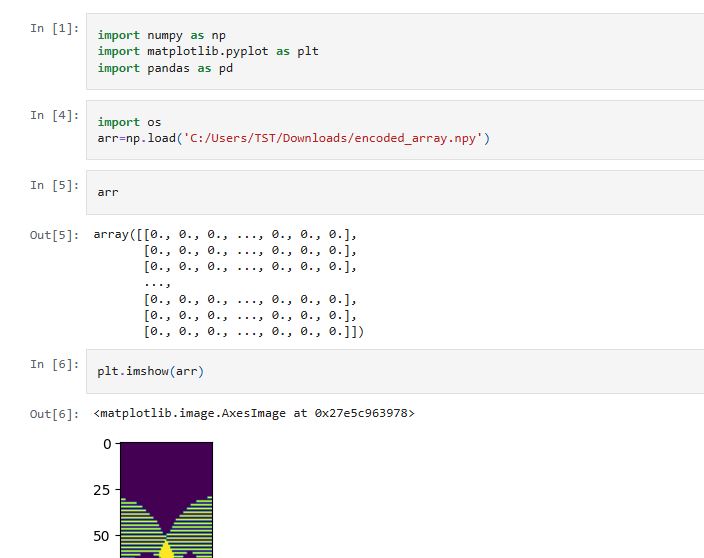
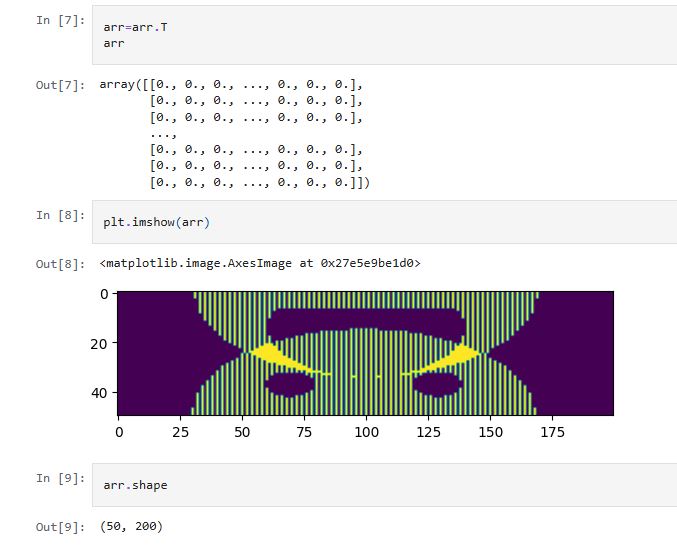
This was a really fun challenge which felt like a brain teaser. It solidified my understanding in matplotlib, numpy arrays, and manipulation of numpy arrays.
- Understood slicing of numpy arrays.
- Understood visualization of 2D arrays using matplotlib.
Open Matrix_Puzzle_Task Notebook on GitHub
Task 7 : Portfolio Website
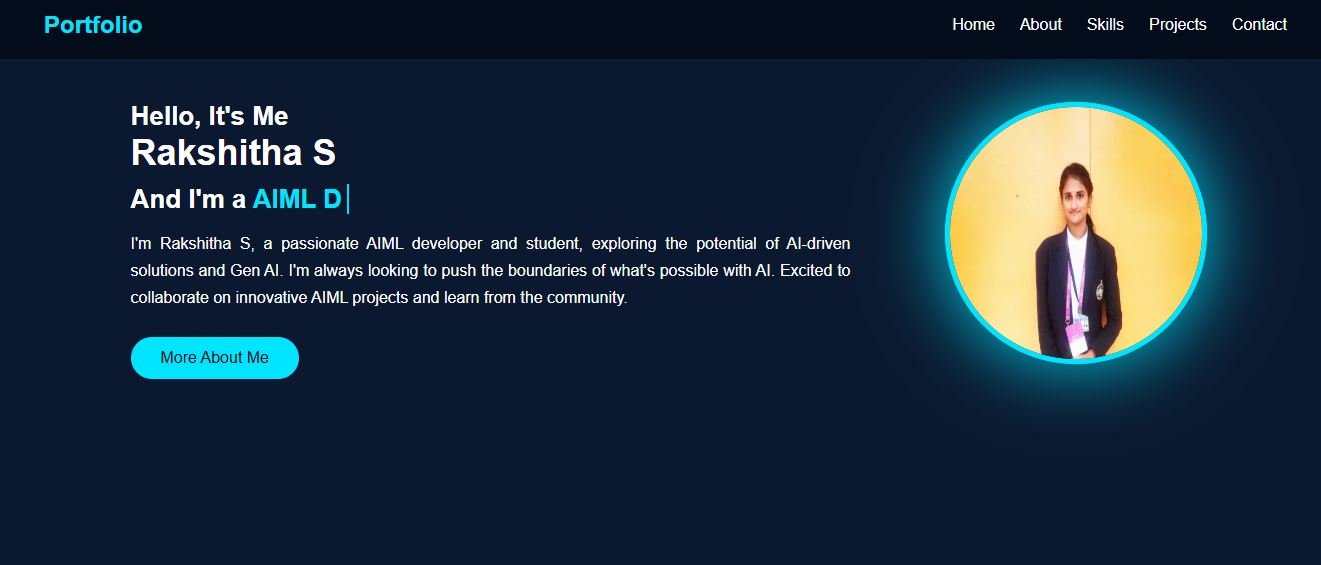
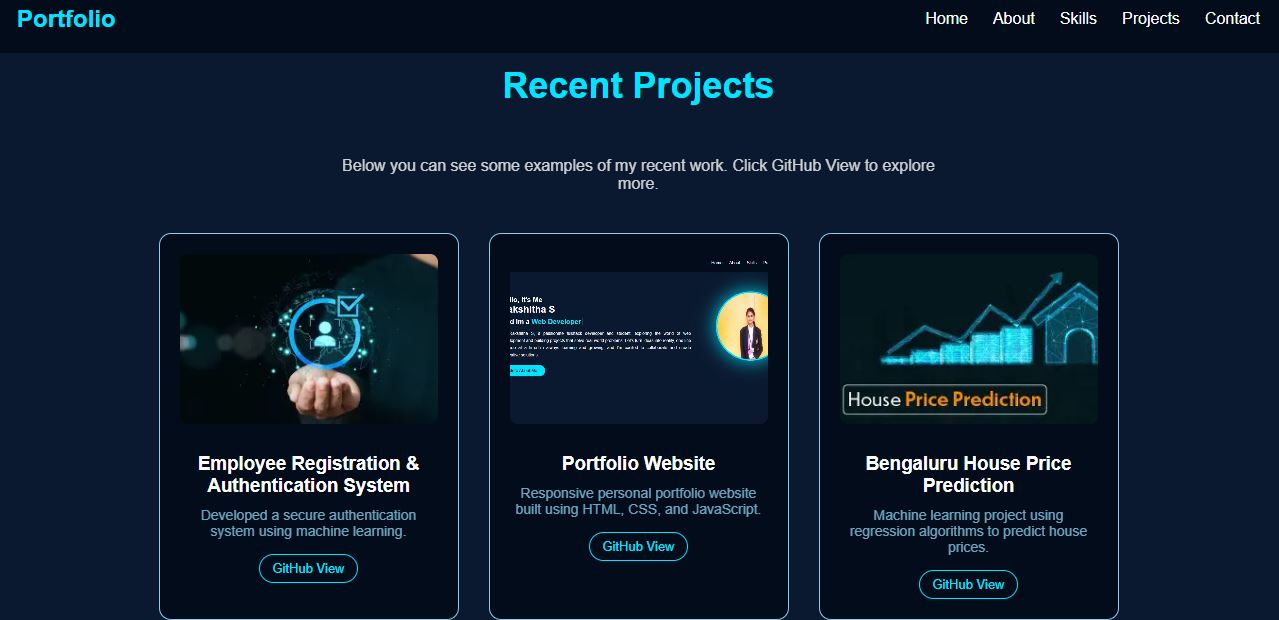
I developed my portfolio website using HTML, CSS, and JavaScript to showcase my projects and skills. The website includes a Projects section where I highlight the work I’ve completed, such as web apps and data science tasks, and it demonstrates responsive design, interactive UI components, and navigation features. The live version of my portfolio is hosted on Netlify and can be accessed through the provided link.
Open My Personnal Portfolio Website
Task 8 : Markdown
-
I explored generative AI (GenAI) to understand how AI models can generate content, such as text, code, or images. Learning GenAI helped me see how machines can assist in creative and technical tasks.
-
GenAI works by analyzing large datasets to recognize patterns and then generate new content based on those patterns. Studying it taught me the underlying mechanisms of AI-driven content generation.
-
Through this study, I understood both the potential and limitations of GenAI, and why it is becoming an essential tool in technology, research, and digital content creation.
Task 10 : Speed Control of DC Motor
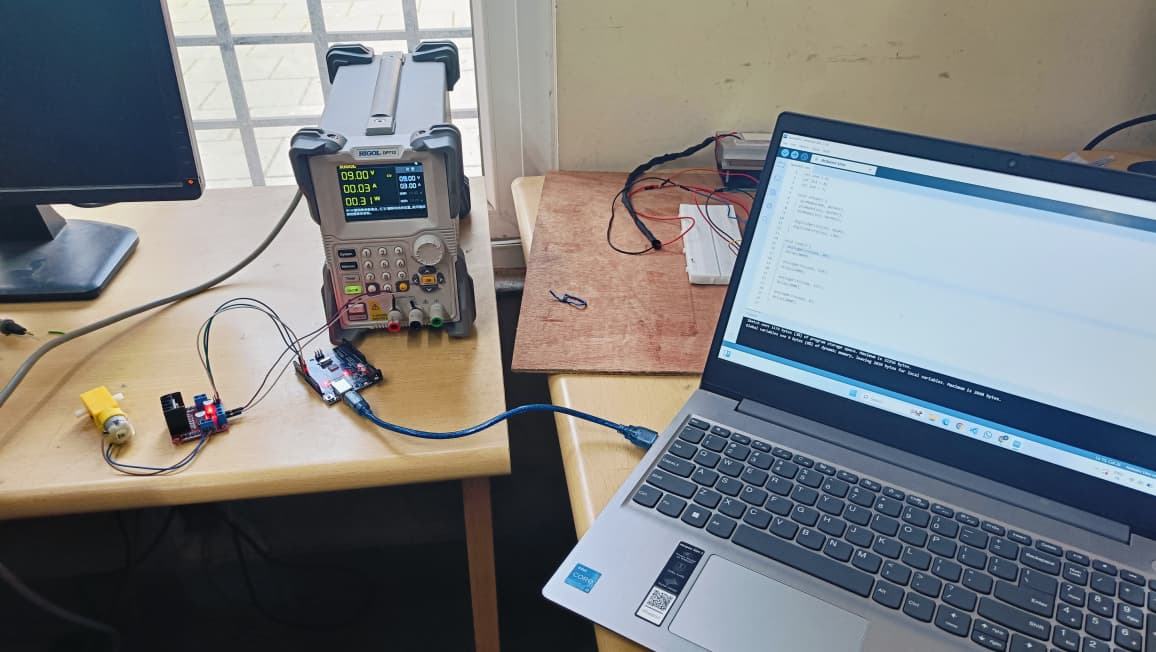
The L298N is a dual H-Bridge motor driver that allows control of both the speed and direction of DC motors. I built a circuit connecting a 5V BO motor to the L298N driver and interfaced it with an Arduino Uno. The Arduino was programmed using the Arduino IDE to send PWM (Pulse Width Modulation) signals to the enable pin for speed control and digital signals to the input pins for direction control. By varying the duty cycle of the PWM, the motor speed could be adjusted, while changing the logic levels on the H-Bridge input pins altered the polarity of the voltage across the motor terminals, thereby reversing its rotation.
Task 11 : LED Toggle using ESP32
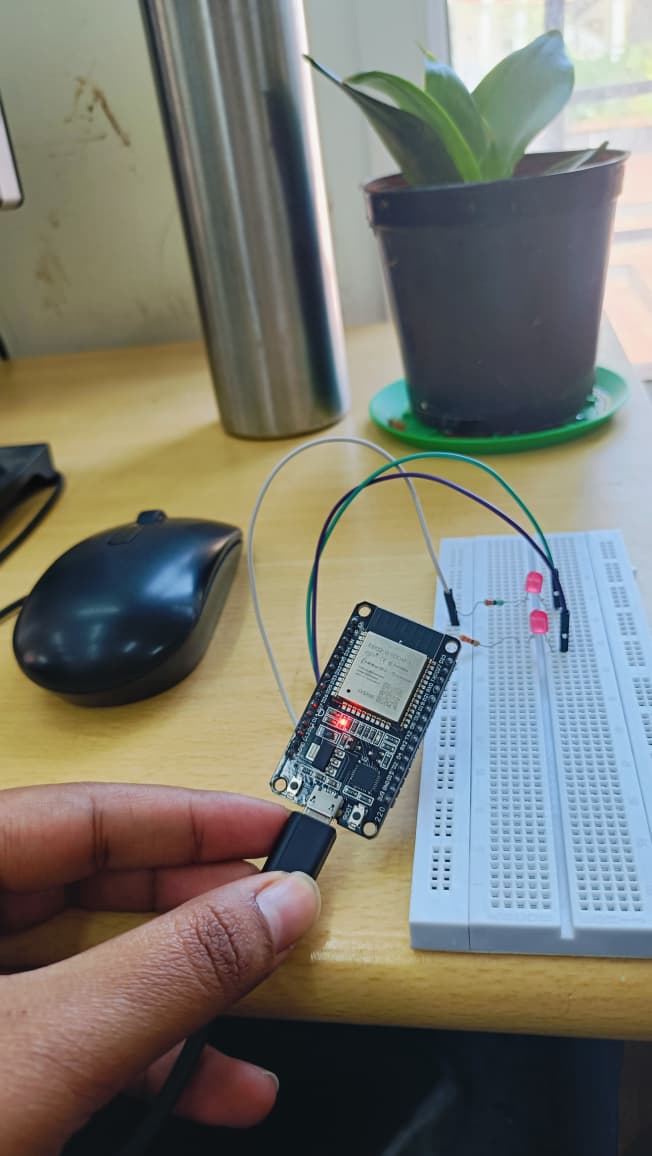
The ESP32 is a powerful microcontroller with built-in Wi-Fi and multiple GPIO pins that can be used for input and output operations. For this task, I used an ESP32, a breadboard, jumper wires, resistors, and an LED to create a standalone web server that could control the LED through a web interface. The Arduino IDE was configured to program the ESP32, and the code included the Wi-Fi library, network credentials, GPIO pin variables, and state variables to represent the LED status. In the setup function, the ESP32 was connected to the local Wi-Fi network and initialized as a web server. The loop function handled client HTTP requests and served an HTML page containing buttons styled with CSS to switch the LED ON or OFF. This demonstrated how the ESP32 can host a simple web server and control hardware components remotely over Wi-Fi.
Task 12 : Soldering Prerequisites
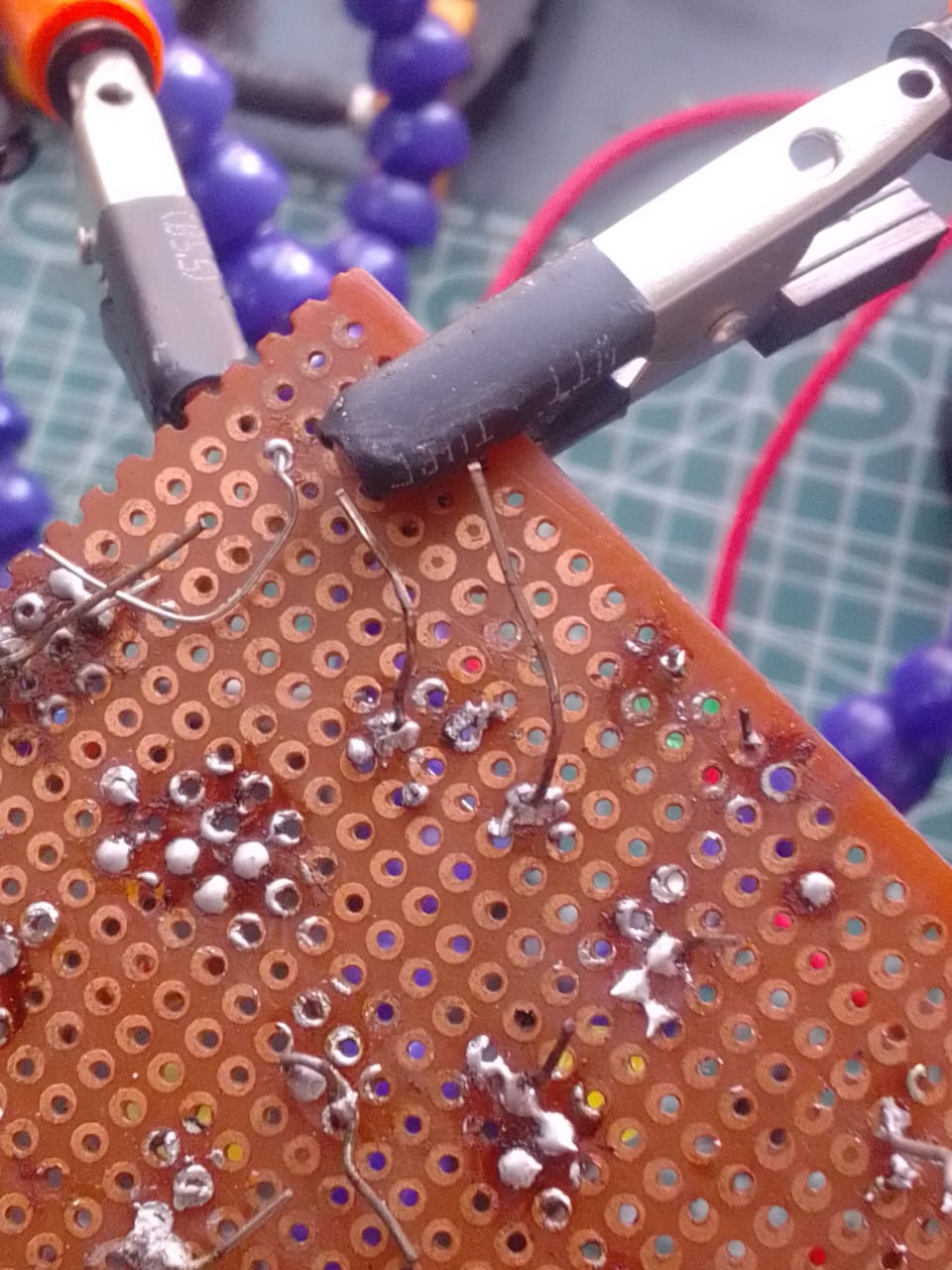
Soldering is a technique used to join electronic components by melting a filler metal (solder) that solidifies to form both a mechanical and electrical connection. It is widely used in assembling and repairing circuits, and can be seen as the small metallic joints on PCBs where components are fixed. In the lab, I was introduced to the basic soldering equipment including the soldering iron, solder wire, flux, soldering wick, and the stand, along with the necessary safety precautions. Under the guidance of a coordinator, I practiced basic soldering on a perf board by creating a simple LED circuit. I also learned how to desolder existing joints using a soldering wick and then resolder the components back in place.
Task 14 : Karnaugh Maps
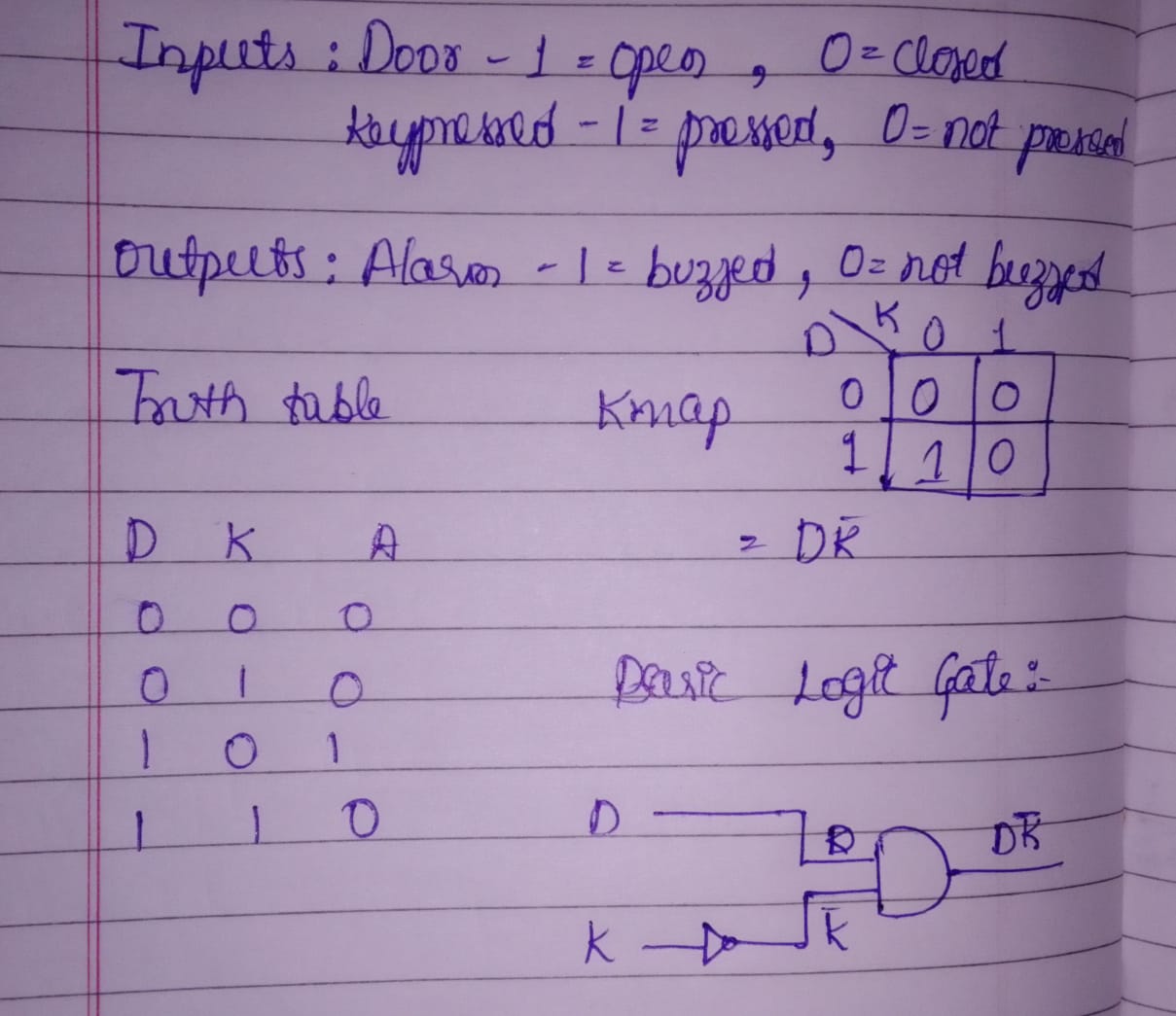
Inputs: D (door open) and K (key pressed). Truth table shows alarm should trigger only when the door is open and the key is NOT pressed. The Karnaugh map simplifies to A = D · K'
Task 15 : Active Participation
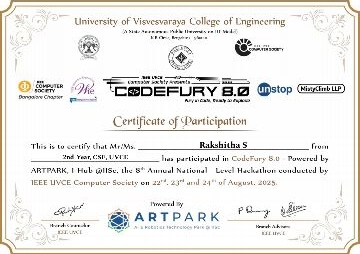
I participated in CodeFury, a national-level hackathon conducted by IEEE UVCE. We built a functional website based on the given problem statement within a time limit of 24 hours. Working as part of a team, we brainstormed ideas, divided tasks, and implemented both the frontend and backend under the given time. The event tested our technical knowledge, problem-solving skills, and ability to collaborate effectively in a high-pressure environment.
Task 17 : Introduction to VR
The Task was to study about VR and differentiate it from AR and study the current trends and technologies in the VR space.
The report has been uploaded to GitHub for reference.
Task 18 : Sad Servers
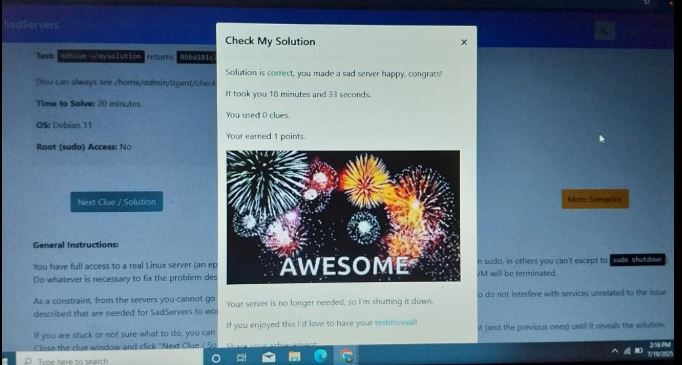
Sad Servers was a really fun detective-style task where I had to follow clues scattered across different directories and files. I moved around using cd, checked what was in each folder with ls, opened files with cat, and searched for specific information using grep. I also used pipes (|) to combine commands. After following all the clues, I was able to identify the culprit: Joe Germuska. It was a great way to put my Linux skills to the test in a hands-on, practical way.
Task 20 : Notebook Ninja
This task was designed to help me get comfortable with Jupyter Notebook as both a coding and communication tool. Through this, I learned how to structure a notebook, make it more readable, and show results clearly, which are skills that are useful for data science and machine learning work.
Task 21 : Watch and Reflect
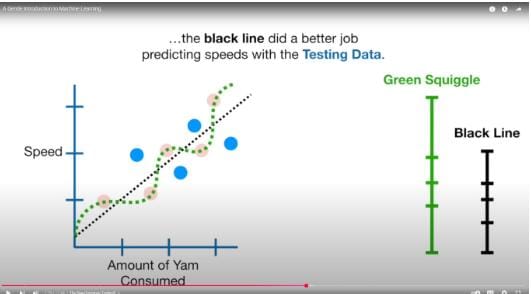
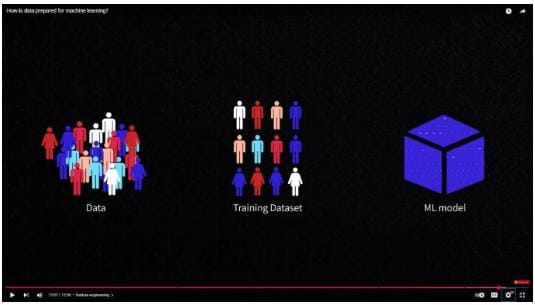
For this task, I watched two beginner-friendly videos on machine learning: “A Gentle Introduction to Machine Learning” by StatQuest and “How is Data Prepared for Machine Learning?” by AltexSoft. I summarized the key concepts, including types of ML, the importance of data preparation, and feature engineering, and reflected on how algorithms and data work together.