
PROJECT
Flight Simulator Open Day Project
| Tejashree H N | AUTHOR | ACTIVE |
| Asshray Sudhakar | COORDINATOR | ACTIVE |
PROJECT :EXPLORING THE ESSENTIALS OF FLIGHT AND RF COMMUNICATIONS
| Teammate Name | Role / Task | Branch | MARVEL DOMAIN & BATCH |
|---|---|---|---|
| Tejashree H N | Research , Documentation & Presentation | ECE '28 | Aviation, Batch -7 |
| Thanuja G R | Research , Documentation & Presentation | ECE '28 | AIML, Batch -7 |
Radiomaster Transmitter Control Explanation
This document explains the primary flight controls used in multirotors (drones) or RC vehicles when operated through a Radiomaster Transmitter.
Each stick on the transmitter corresponds to a specific movement depending on the mode (Mode 1 / Mode 2).
Below is the explanation assuming the most common configuration: Mode 2.
The image of it
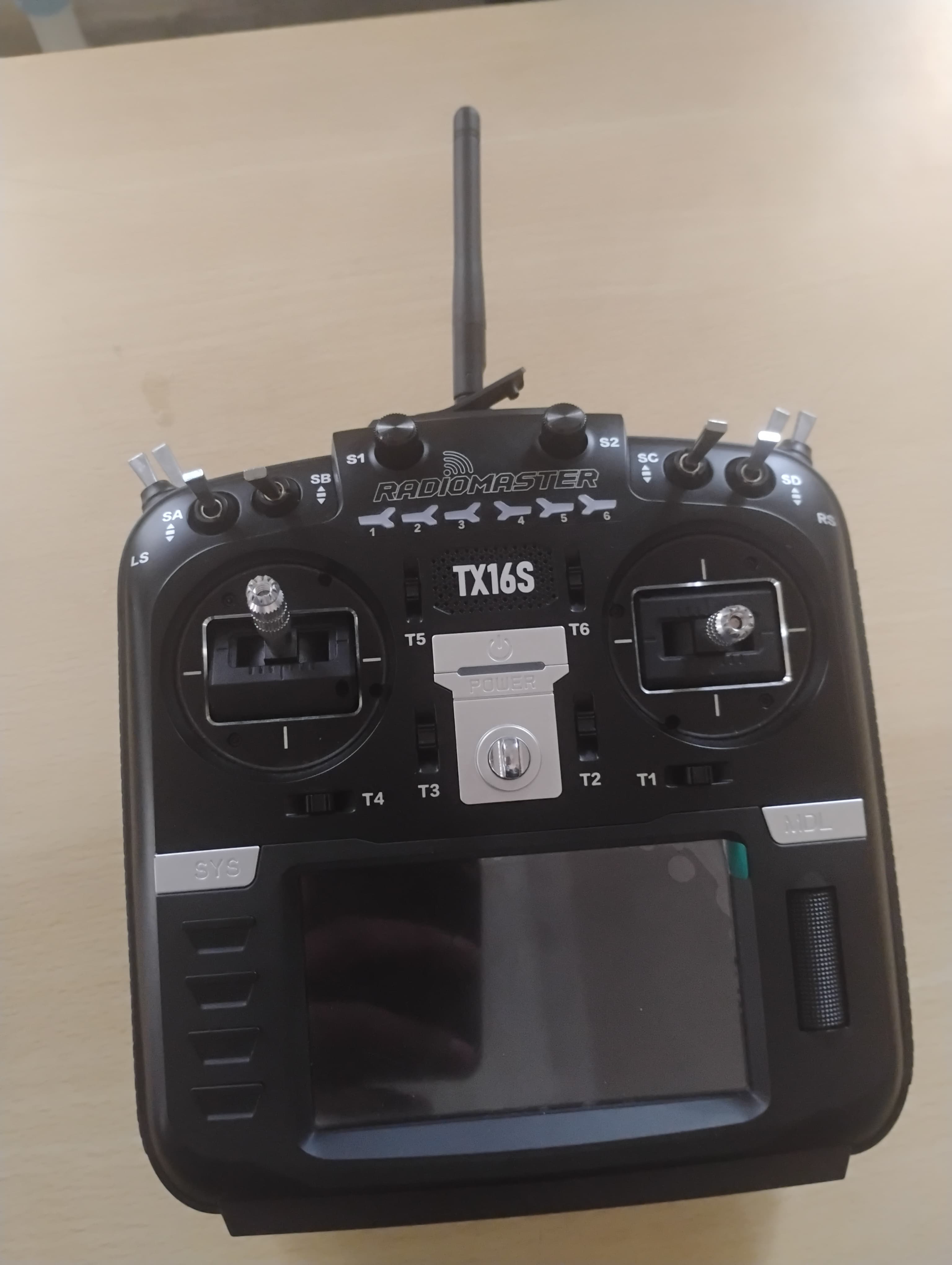
- Throttle (Left Stick – Up/Down) Function: Controls the altitude or power of the motors.
Throttle Up:
Increases motor speed → drone rises.
Throttle Down:
Decreases motor speed → drone descends.
Use Case:
Maintaining a stable hover, ascending, or landing.
- Yaw (Left Stick – Left/Right) Function: Controls the rotation of the drone around its vertical axis.
Yaw Left:
Drone rotates counterclockwise.
Yaw Right:
Drone rotates clockwise.
Use Case:
Changing the direction the drone is facing while hovering.
- Pitch (Right Stick – Up/Down) Function: Controls the drone’s forward and backward tilt.
Pitch Forward:
Drone moves forward.
Pitch Backward:
Drone moves backward.
Use Case:
Forward flight and reverse movement.
- Roll (Right Stick – Left/Right) Function: Controls the drone’s side tilt.
Roll Left:
Drone moves left.
Roll Right:
Drone moves right.
Use Case:
Left–right strafing, smooth turns, and balancing movement.
Additional Controls (Switches & Aux Channels)
Modern Radiomaster transmitters include multiple switches for additional functions:
AUX1 – ARM/DISARM Switch
ARM: Activates the motors (ready to fly).
DISARM: Stops motors immediately.
AUX2 – Flight Mode Selector
Angle Mode: Self-leveling, beginner friendly.
Horizon Mode: Allows flips with leveling assistance.
Acro Mode: Full manual control.
AUX3 – Buzzer Switch
Activates the “lost model alarm.”
AUX4 – Turtle Mode
Used in FPV quads to flip the drone upright after a crash.
Transmitter Calibration Notes
When configuring a Radiomaster transmitter:
Ensure all sticks read 1000–1500–2000 values in Betaflight/Ardupilot. Verify yaw is centered at 1500 when the stick is at rest. Ensure throttle minimum is around 1000 to avoid accidental motor spin.
Learning Takes Off: Hands-On Drone Simulator Experience for Students
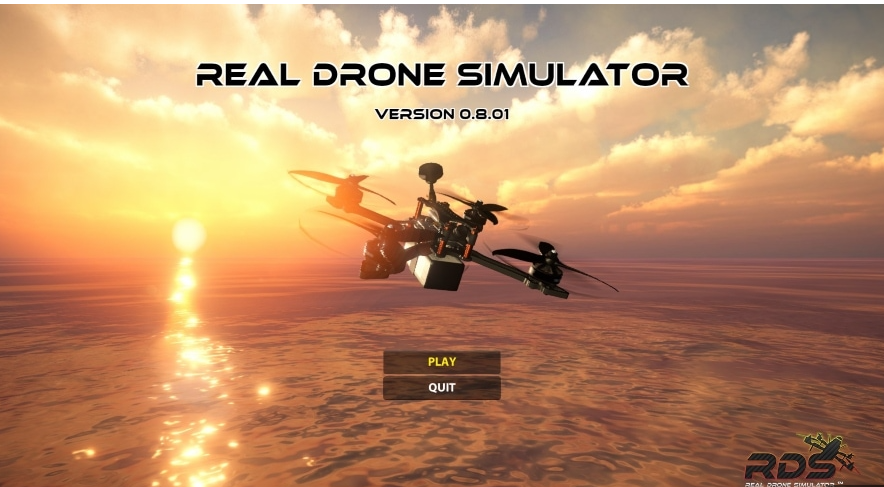
We made the students use the Drone Simulator app, giving them a fun and interactive hands-on experience with real drone controls. This helped them understand the basics of flying while building confidence through practical learning.
Summary
| Control | Stick Direction | Drone Movement |
|---|---|---|
| Throttle | Up/Down | Increase/Decrease altitude |
| Yaw | Left/Right | Rotate left/right |
| Pitch | Up/Down | Move forward/backward |
| Roll | Left/Right | Move left/right |
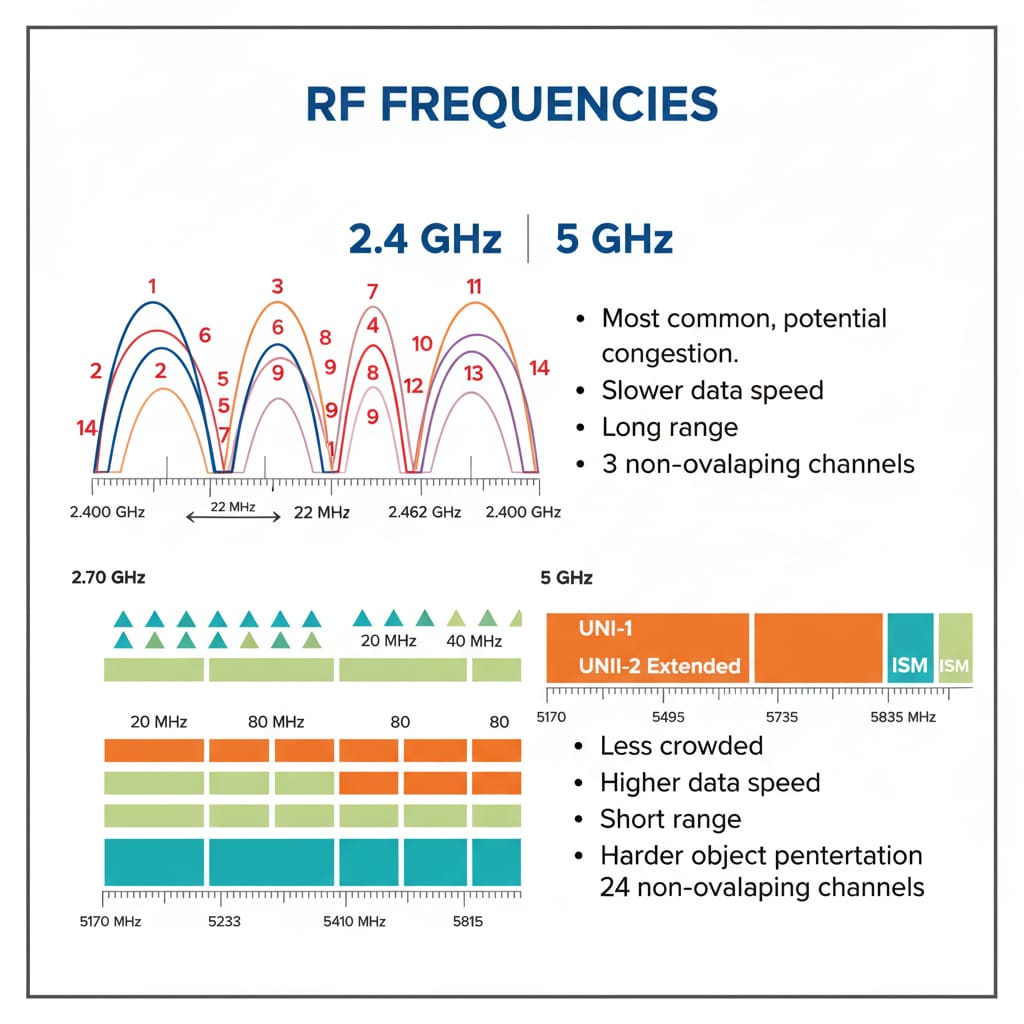
RF FREQUENCIES AND PROTOCALS:
- 2.4 GHz offers reliable long-range communication.
- 5 GHz provides faster data transmission over shorter distances.
- We also examined a LoRaWAN network diagram, highlighting how IoT sensor networks enable seamless data exchange.
- The session concluded with a focus on ExpressLRS (ELRS), an open-source, low-latency RC link known for its affordability and high performance — a strong alternative to premium systems like Crossfire.
.jpeg)