BLOG · 23/3/2026
Tasks 17 & 18

TASK 17: Introduction To VR
What is Virtual Reality?
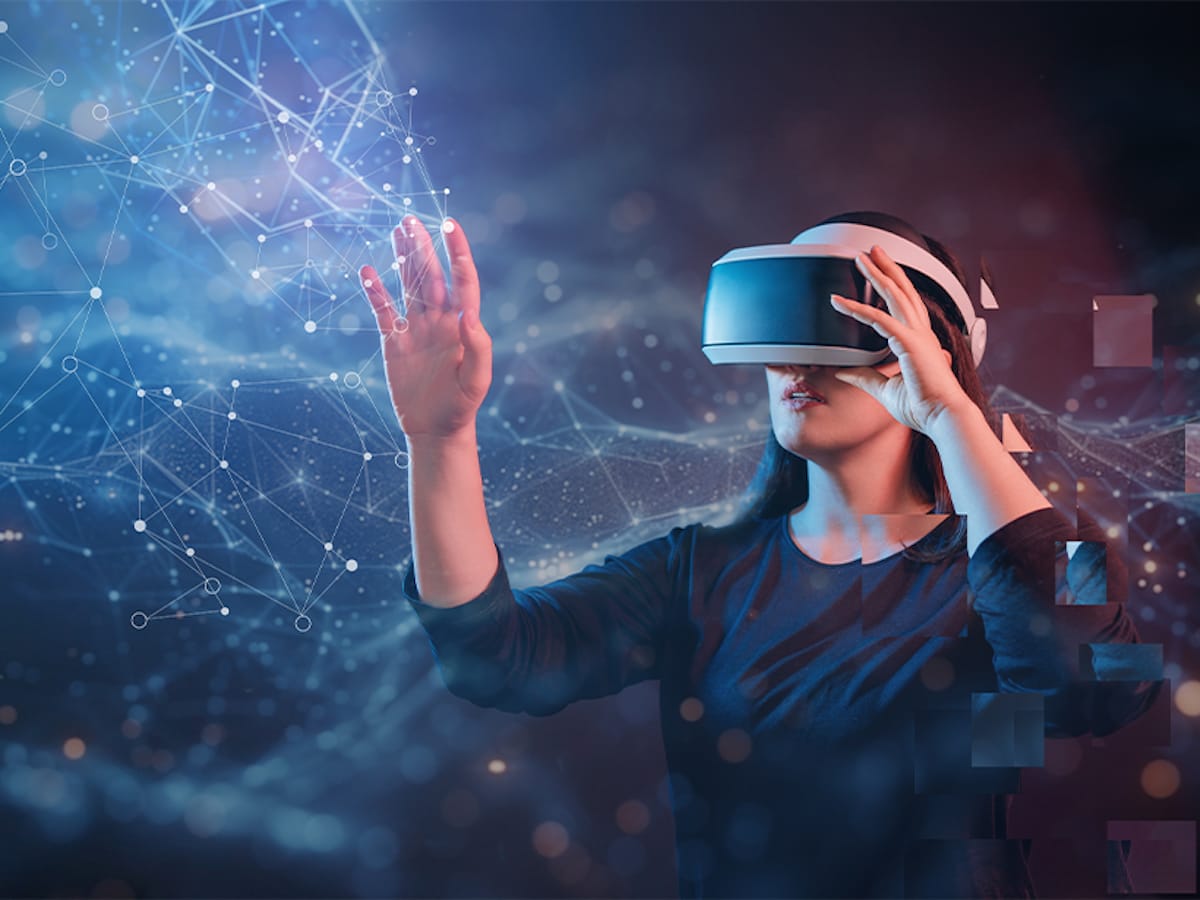
Virtual Reality (VR) is a technology that creates a simulated environment, allowing users to feel as though they are present in a completely different place or world. VR places the user inside a computer-generated environment that feels real and immersive.
This is achieved using special equipment such as a VR headset, which covers the eyes and sometimes the ears. The headset blocks out the physical world and replaces it with a believable, interactive 3D environment that users can explore and interact with, creating a strong sense of presence.
How Virtual Reality Works
Virtual Reality works by using a head-mounted display (HMD) combined with input tracking systems.
- The display is split between the two eyes, creating a stereoscopic 3D effect
- Stereo sound enhances realism and depth
- Images are fed at slightly different angles to each eye, creating the illusion of depth and solidity
- LCD or OLED panels, combined with lenses, fill the entire field of vision
- Sensors track head movement and user input to update the virtual world in real time
Together, these technologies create an immersive and believable digital world generated entirely by a computer.
Evolution of Virtual Reality
Although VR feels like a modern invention, it has existed in various forms for decades. Early examples include 360° panoramic paintings, which surprised audiences by creating a sense of immersion long before digital VR existed.
Virtual Reality can be considered the “wise mind” of the digital world it creates an environment that functions independently of the user while still allowing interaction. It offers first-hand experiences of events and scenarios, including their psychological after effects.
This makes VR a powerful tool for understanding human perception, cognition, and behavior.
Difference Between Virtual Reality (VR) and Augmented Reality (AR)
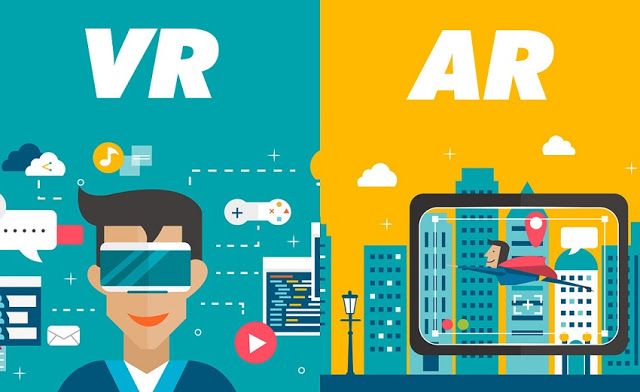
| Feature | Virtual Reality (VR) | Augmented Reality (AR) |
|---|---|---|
| Definition | Creates a fully immersive digital environment | Overlays digital elements onto the real world |
| User Experience | Completely replaces the real world | Enhances the real world with digital content |
| Hardware Requirement | Requires VR headsets or similar devices | Works on smartphones, tablets, or AR glasses |
| Awareness of Reality | User is isolated from the real world | User remains aware of the real environment |
| Technology Complexity | Requires powerful hardware and software | Requires relatively simpler technology |
| Examples | PlayStation VR, Samsung Gear VR, HTC Vive | Pokémon GO, Google Maps AR, IKEA AR App |
Emerging Trends in Virtual Reality and Space Technology
- Mixed Reality Integration: Devices like Apple Vision Pro+ and HTC Vive XR Elite 2 blend virtual objects with the physical world. This mixed reality approach is transforming design, training, and collaboration.
- Wireless, All-in-One Devices: Standalone VR headsets no longer require external PCs or consoles. Devices like Meta Quest 4 offer high-resolution graphics, longer battery life, and complete freedom of movement.
- Eye-Tracking and Hand-Gesture Controls: Advanced sensors track eye movement and hand gestures, enabling intuitive navigation, realistic avatars, and optimized rendering for smoother performance.
- VR in Education and Healthcare: Schools use VR for immersive lessons in science, history, and engineering
Hospitals apply VR for pain management, surgical training, and therapy - Virtual Workspaces: Remote teams collaborate in 3D virtual offices, conducting meetings, presentations, and co-editing 3D models beyond traditional video calls.
Top Virtual Reality Companies in India
- AjnaLens: Specializes in mixed reality headsets and software for defense, education, and industrial training.
- Simbott: Known for industrial VR solutions, including high-quality welding and spray painting simulators.
- Fusion VR: Offers Industry 4.0 solutions, specializing in VR training simulations and digital twin technology.
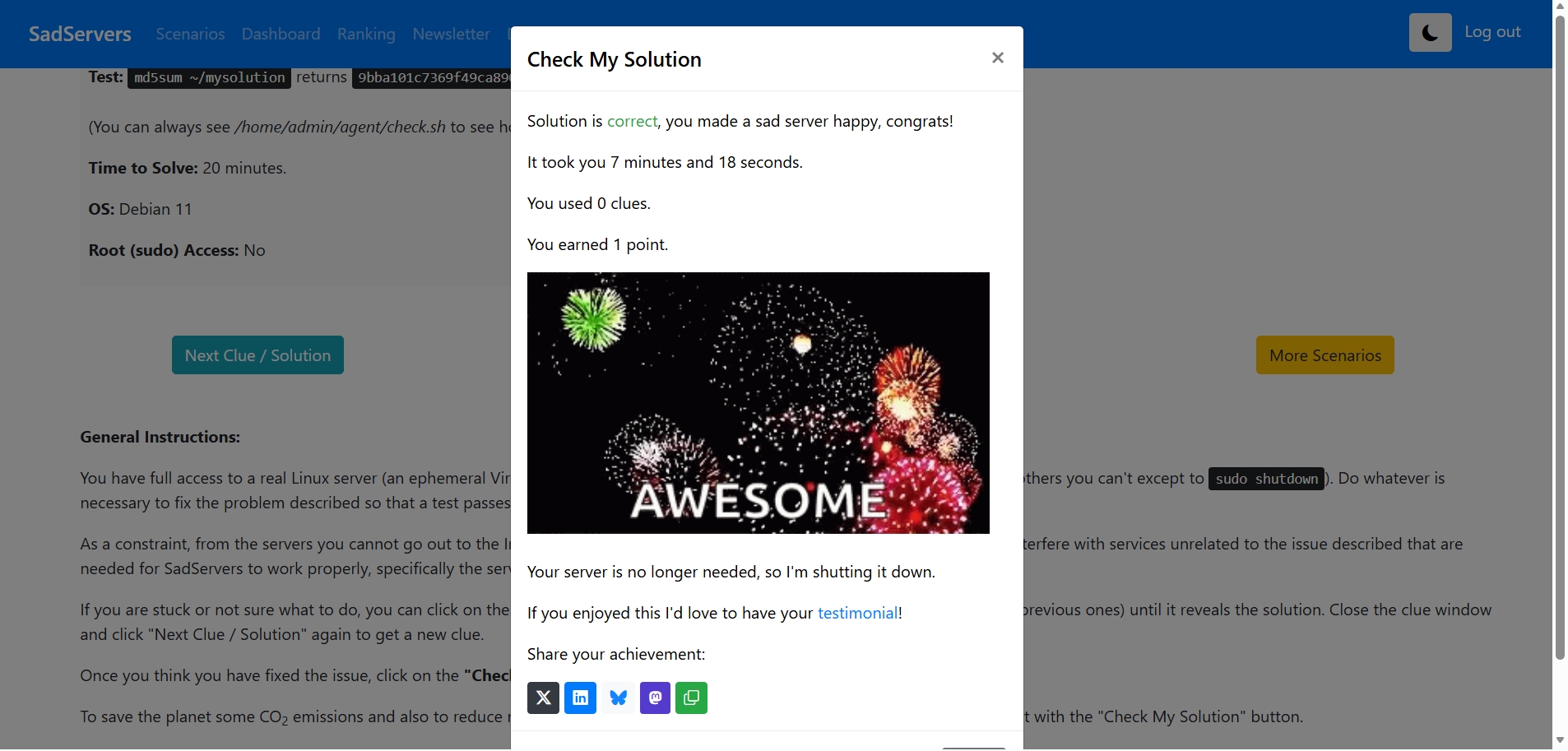
Task 18: Sad Servers
In this task, I worked on the "Command Line Murders" scenario on SadServers. The objective was to identify the culprit and make the server happy by providing the correct answer. I accessed the virtual server and created a solution file containing the name of the murderer. After saving the file, I submitted it to complete the challenge. This task allowed me to interact with a Linux server environment in a simple way and gave a basic understanding of how solution files can be used to record and submit answers in troubleshooting scenarios.