BLOG · 20/1/2026

Task 1 – Smart Irrigation System
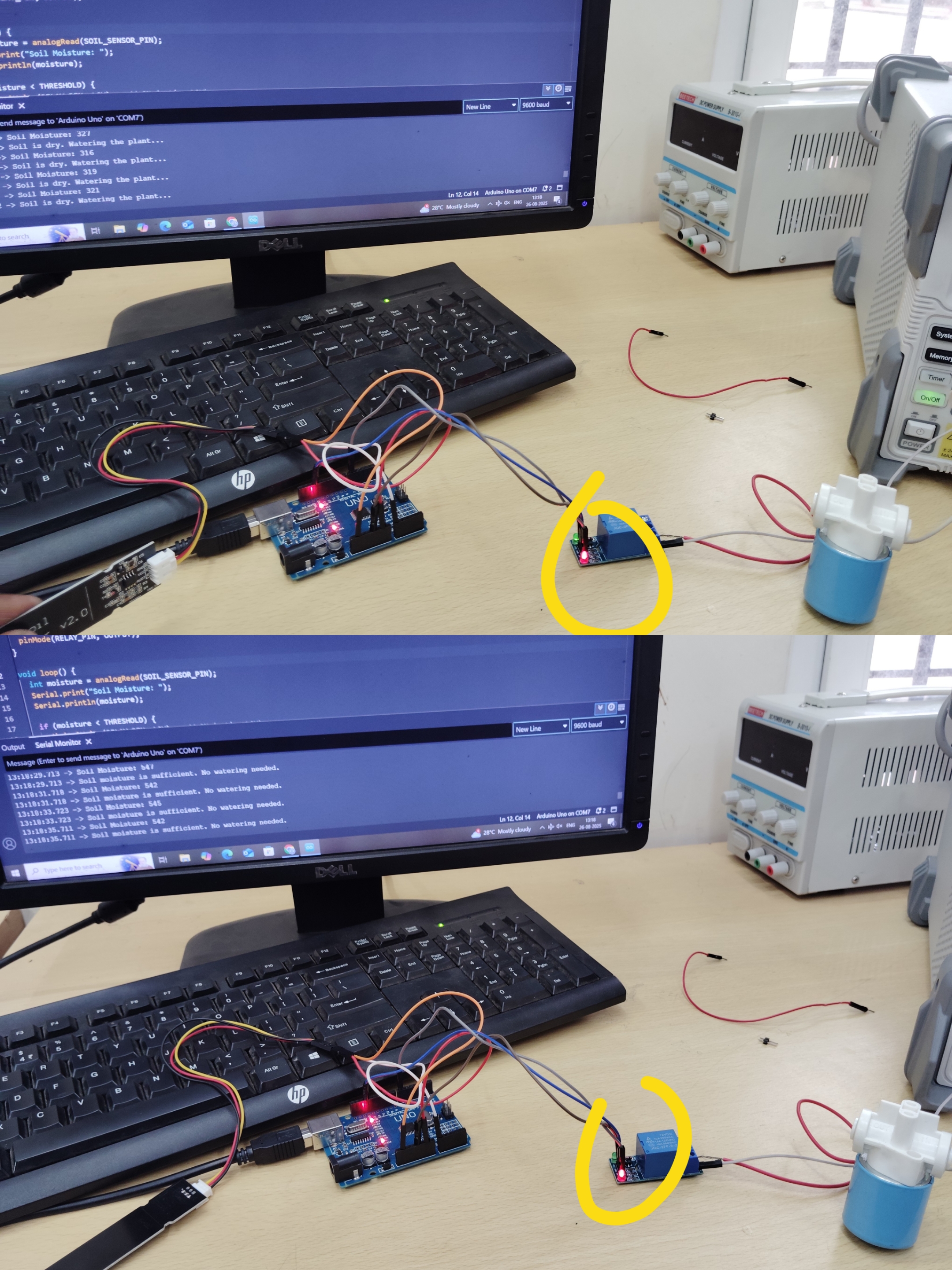
Designed and implemented a smart irrigation system using Arduino Uno, soil moisture sensor, relay module, and solenoid valve. The system automatically activates watering when soil moisture drops below a predefined threshold and turns off once the optimal moisture level is reached. The relay acts as an electrical switch to safely control the solenoid valve.
Difficulties Faced: Faced compatibility and logic-level issues with ESP32, so switched to Arduino Uno for reliable operation.
Task 2 – Smart Parking System
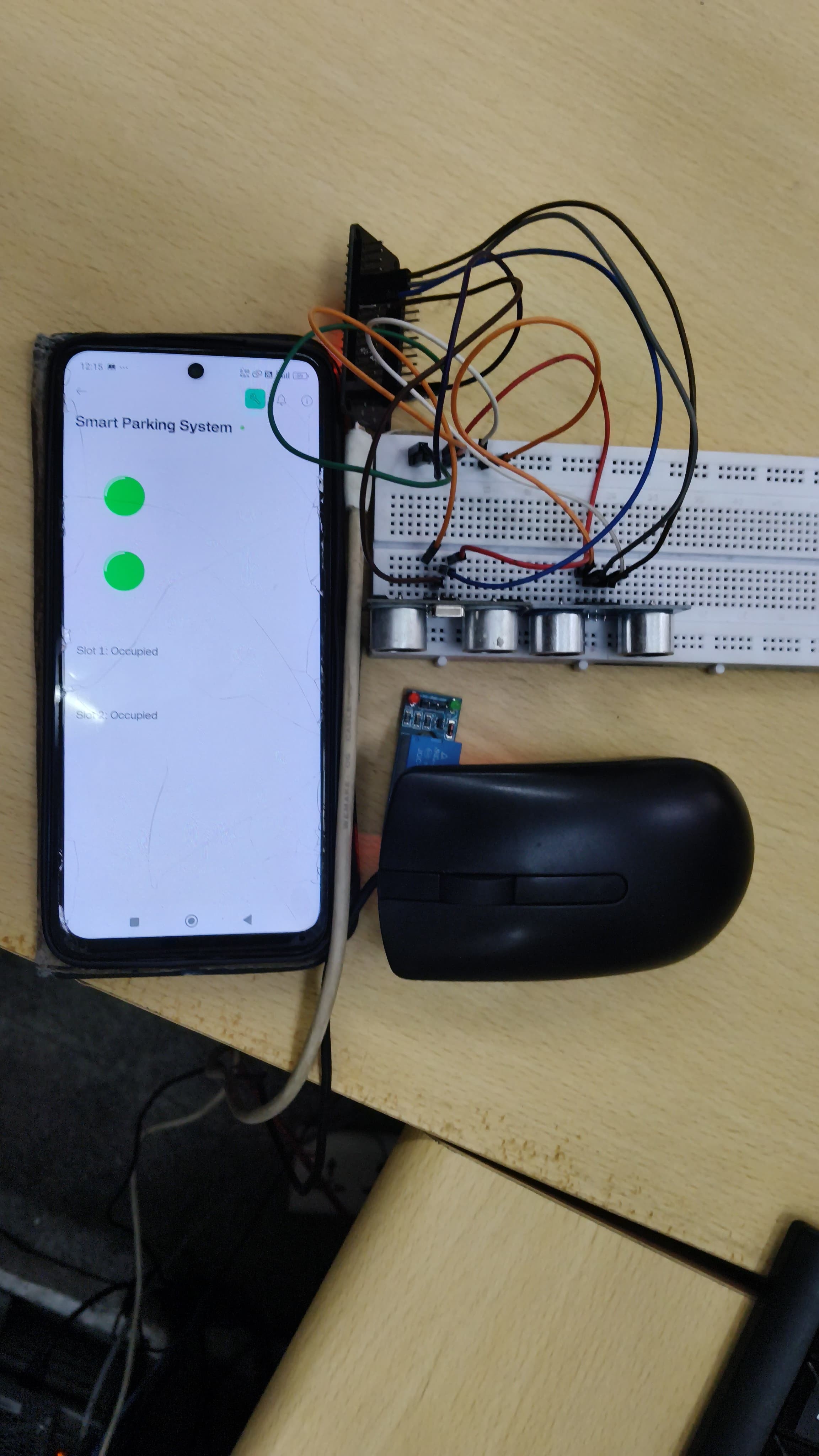
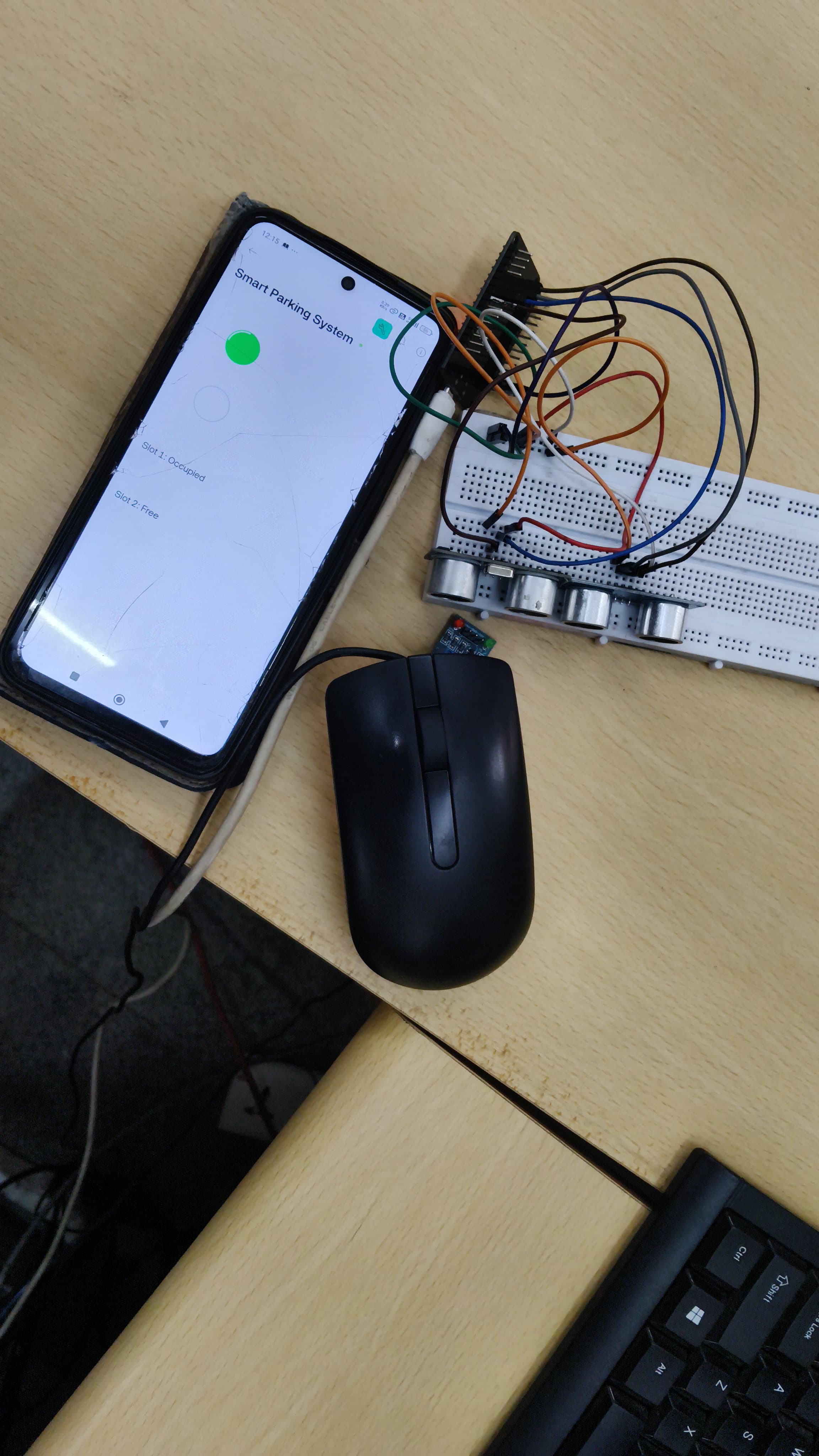
Developed a smart parking system using ESP32, ultrasonic sensor, and the Blynk IoT platform. The ultrasonic sensor detects the presence of a vehicle in a parking slot, and the availability status is displayed in real time on the Blynk mobile application.
Task 3 – Introduction to RFID and Attendance Logger
Part I – RFID Fundamentals
Explored Radio Frequency Identification (RFID) technology by interfacing an RFID reader with ESP32.
- Successfully read and displayed the hexadecimal UID of an RFID (metro) card on the serial monitor.
RFID Card (Tag):
- Contains a microchip for storing a unique ID.
- Uses an antenna for wireless communication.
- Types: Passive (no battery) and Active (battery-powered).
RFID Reader:
- Emits RF signals to power passive cards.
- Reads and transfers card data to a microcontroller.
Part II – Attendance Logging System
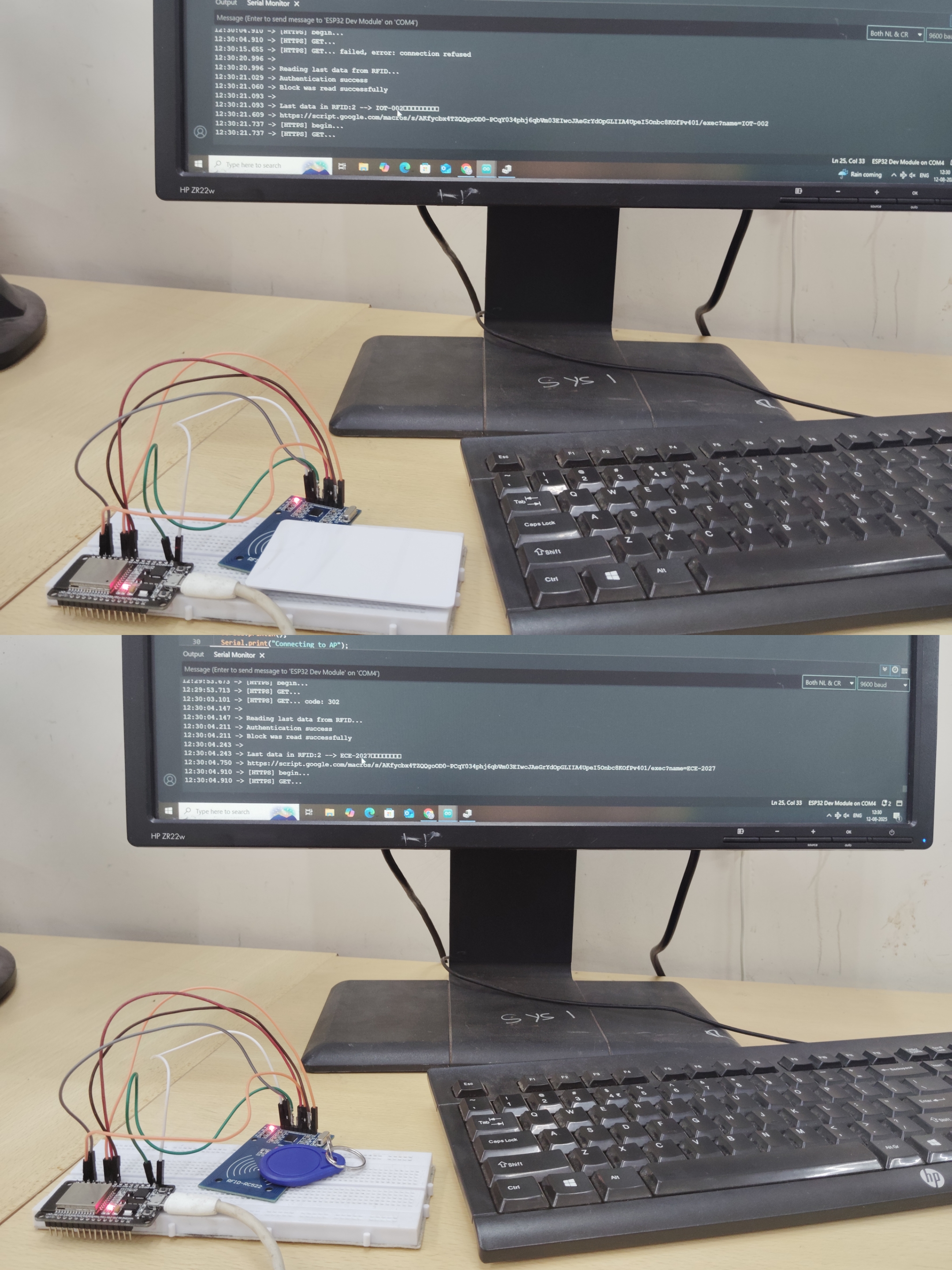
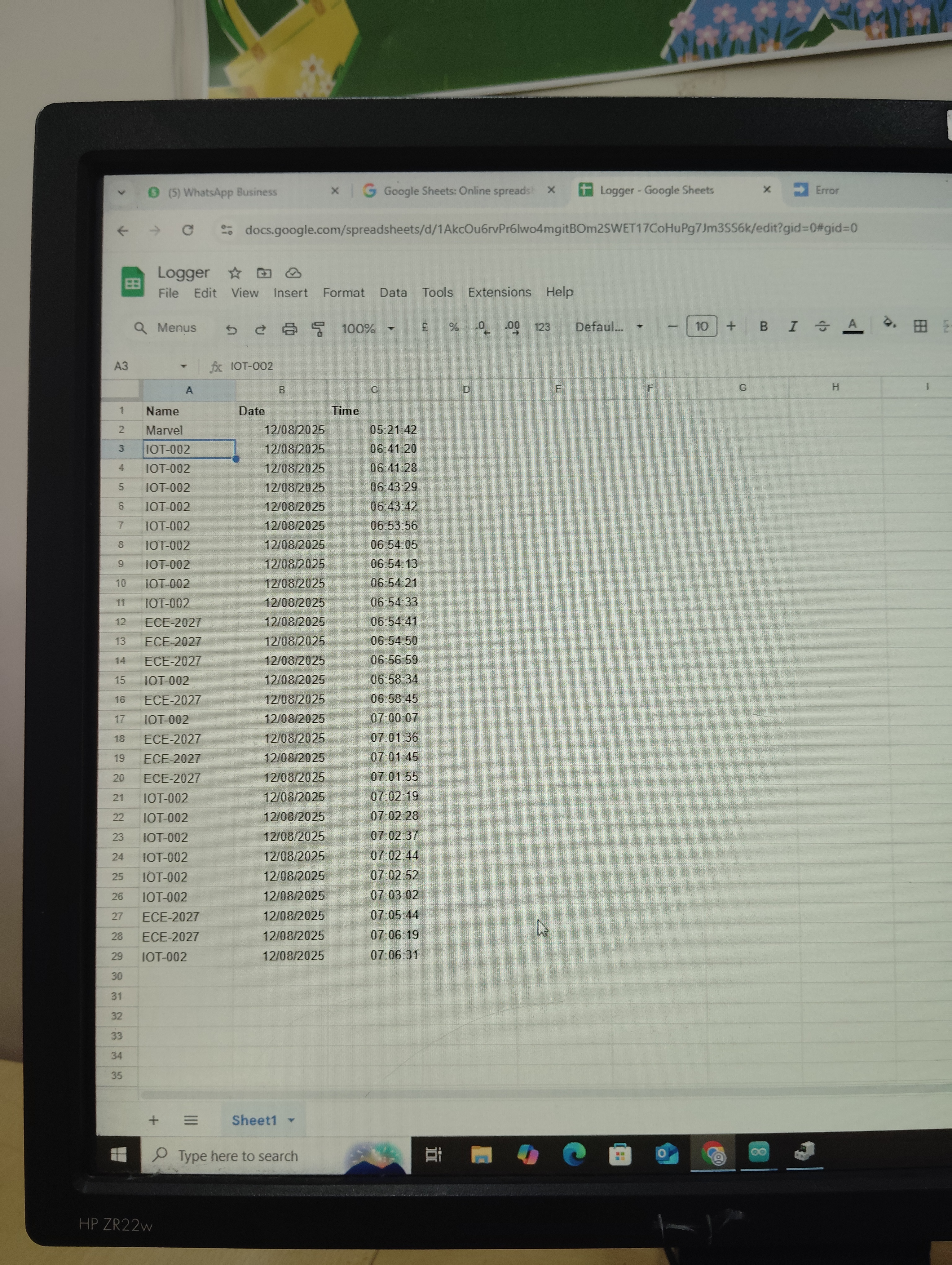
Implemented an attendance logging system using ESP32, RFID, and Google Sheets.
- Used Google Apps Script as a web app to receive HTTP requests from ESP32.
- Attendance data is automatically stored in Google Sheets.
- The Deployment ID (GScriptId) enables secure communication between ESP32 and the cloud script.
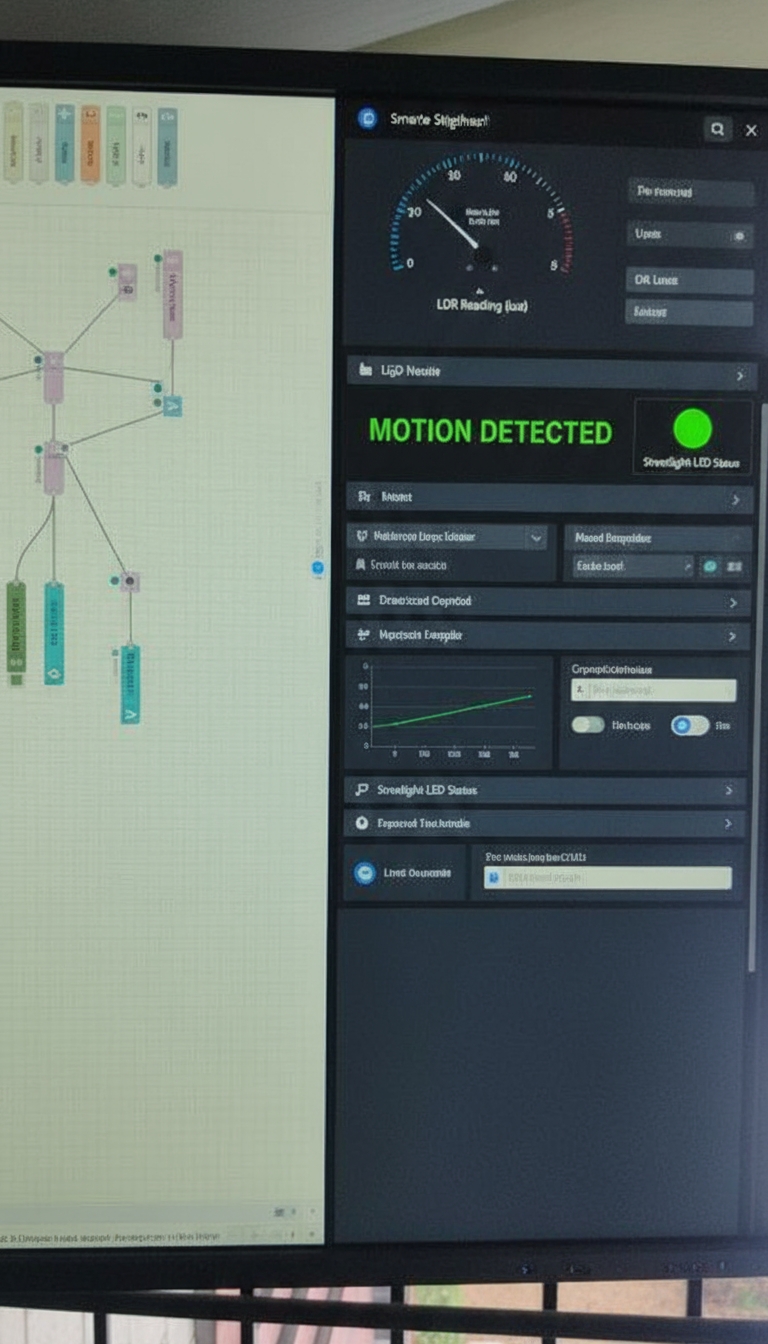
Task 4 – Smart Street Lighting System with Node-RED Dashboard
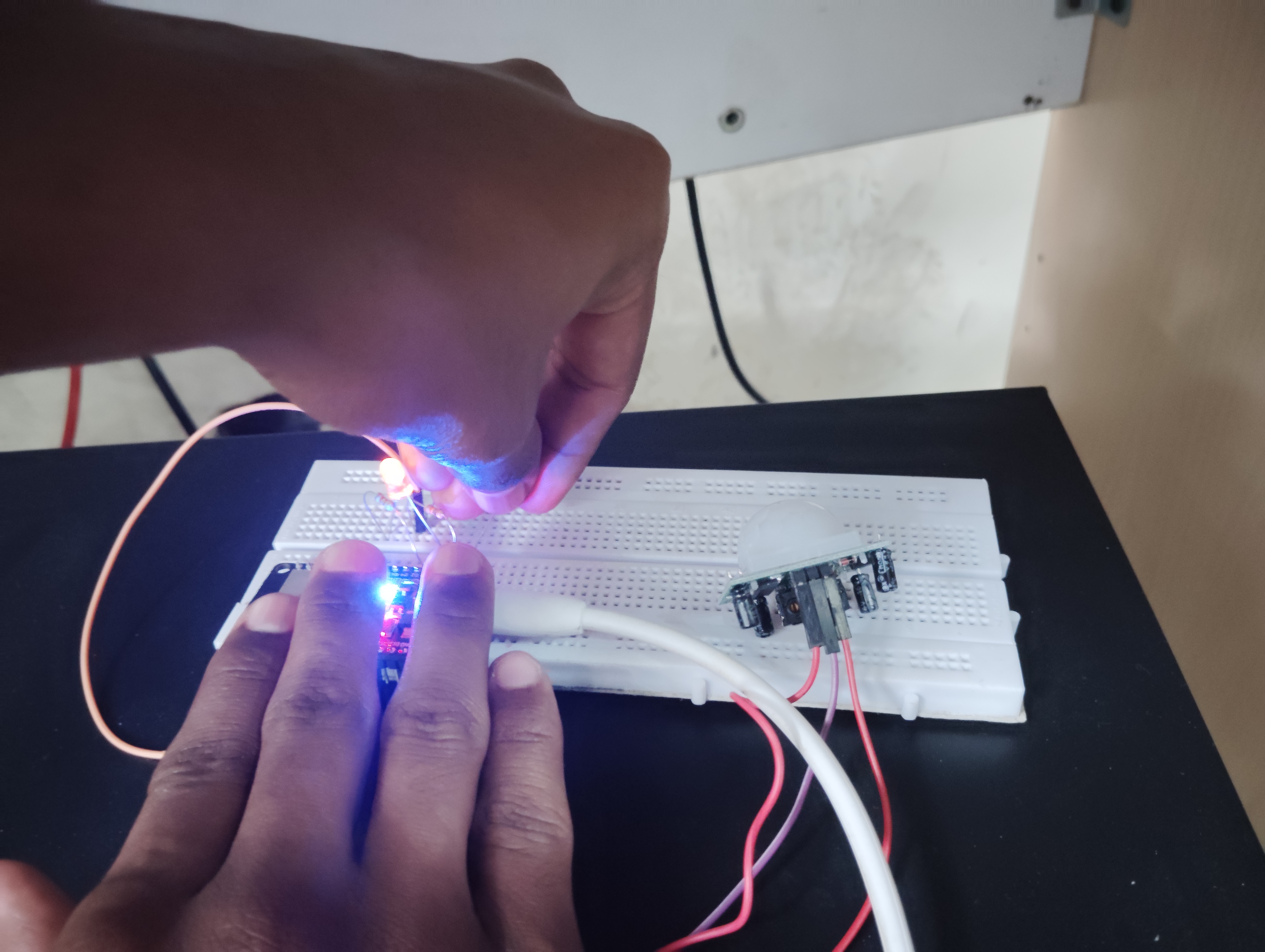
Designed a smart street lighting system that adapts to environmental conditions.
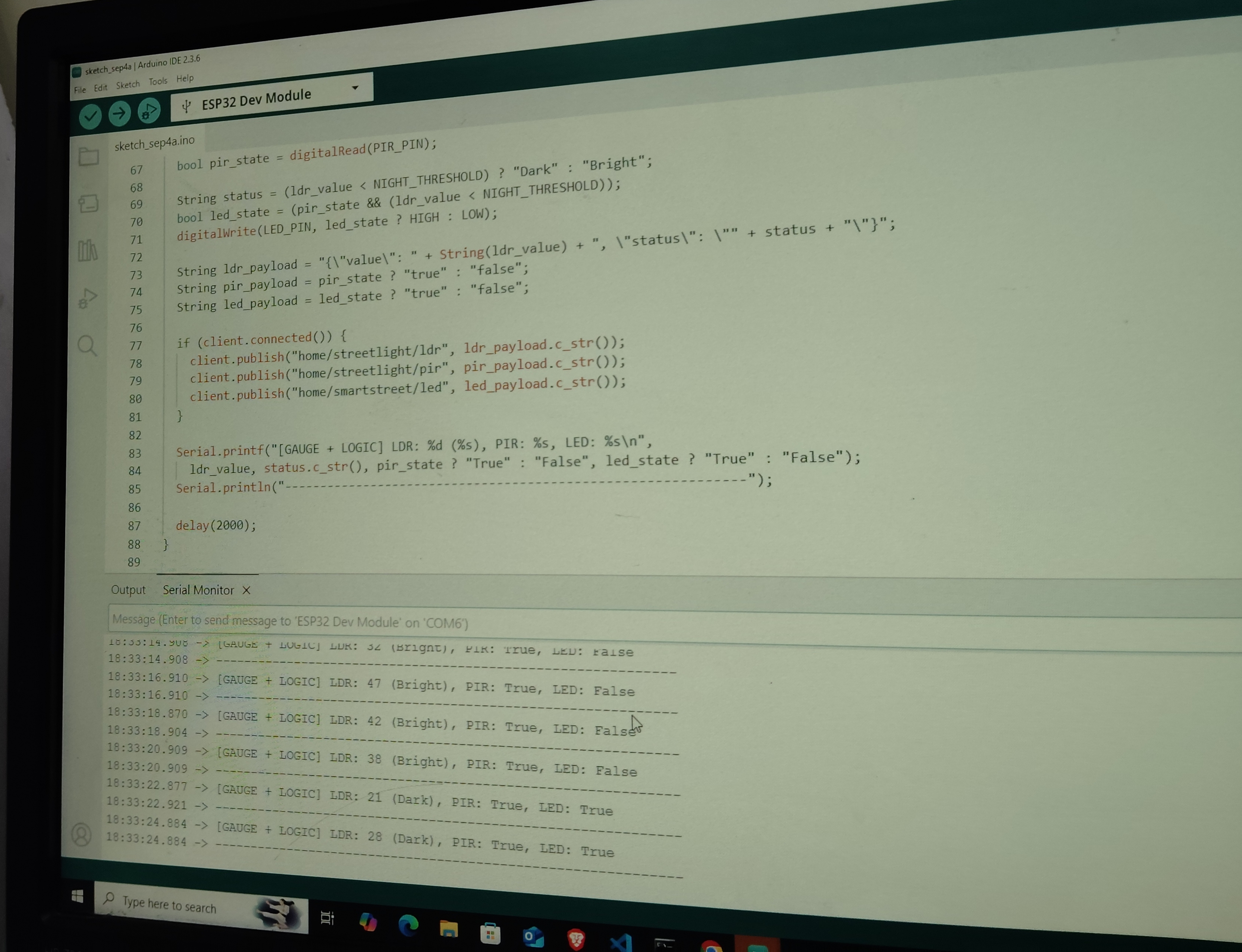
- LDR sensor detects ambient light (day/night).
- PIR sensor detects pedestrian motion.
- Lights remain dim during idle periods and brighten instantly upon motion detection.
- Real-time operational data is visualized using a Node-RED Dashboard.
TASK 5: House Security System
This task focuses on the development of a simple Intruder Detection System using an ESP32 integrated with a PIR motion sensor, a buzzer, and the Blynk IoT platform.
The main objective of the system is to detect unauthorized human movement and immediately alert the user through real-time mobile notifications, while also providing a local audible alarm. The ESP32 continuously monitors motion data from the PIR sensor and, upon detection of movement, triggers the buzzer and sends an intrusion alert to the user’s smartphone via the Blynk application.
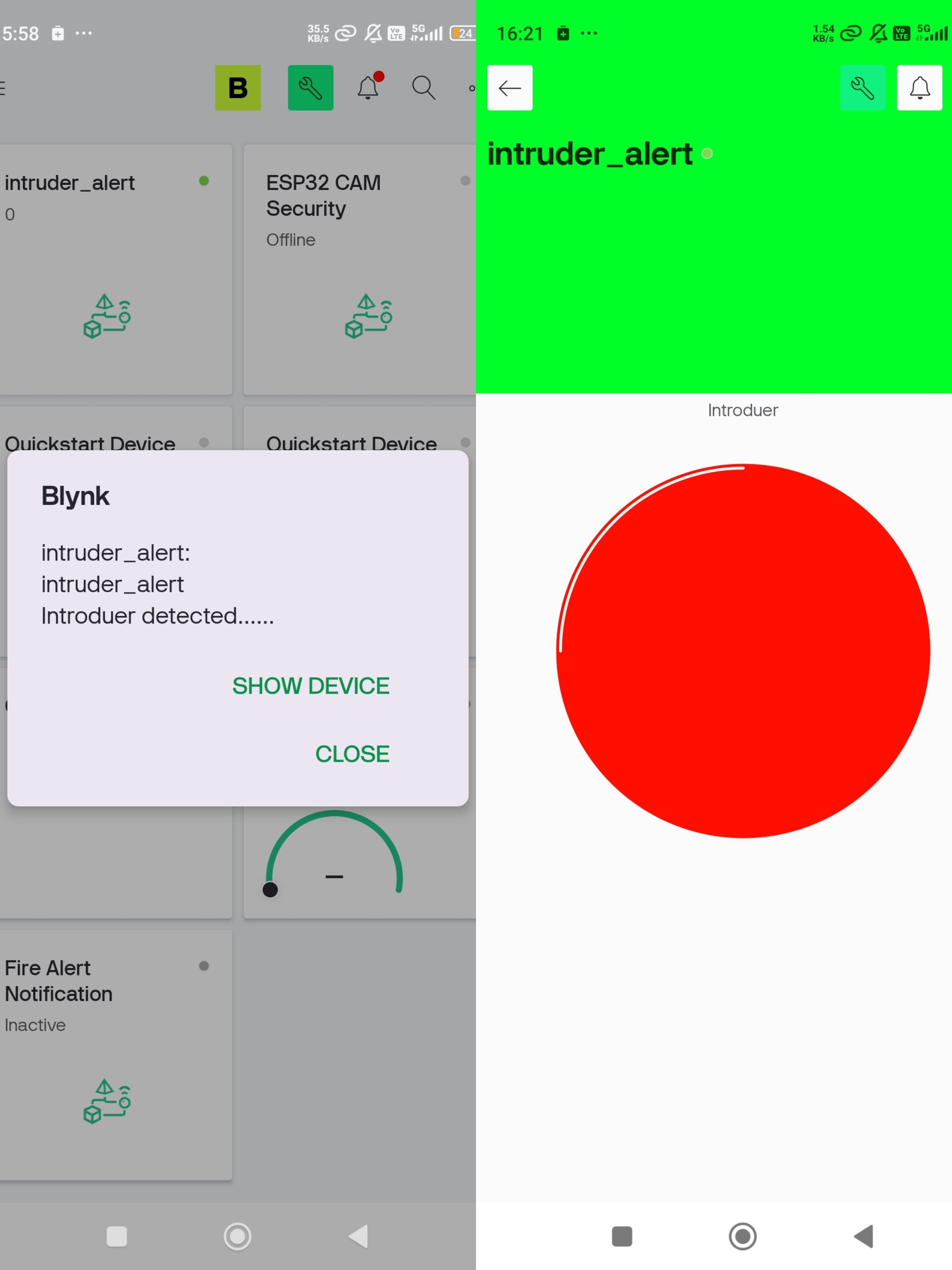
Two-Phone Scenario
The system uses two smartphones for better security. One smartphone receives intrusion alerts from the ESP32 through the Blynk app. The second smartphone is used as an IP camera to provide live video monitoring after an alert is received.
This approach is used because the ESP32-CAM module was not functioning properly, so a smartphone-based IP camera was used as an alternative for visual monitoring.
TASK 6: Red Light Green Light Game
This task implements a Red Light–Green Light game inspired by Squid Game using computer vision and IoT concepts. A mobile phone camera streams live video to a PC, where OpenCV detects player motion using frame differencing techniques. During the green light phase, player movement is permitted, whereas any motion detected during the red light phase results in elimination. Upon elimination, the system is designed to send a Wi-Fi command to an ESP32 microcontroller. The ESP32 can activate a buzzer to provide an audible alert, demonstrating real-time interaction between image processing and embedded systems. However, since the buzzer functionality was implemented previously, the hardware part was excluded in this task.
TASK 7: Creating Your Own Home Assistant
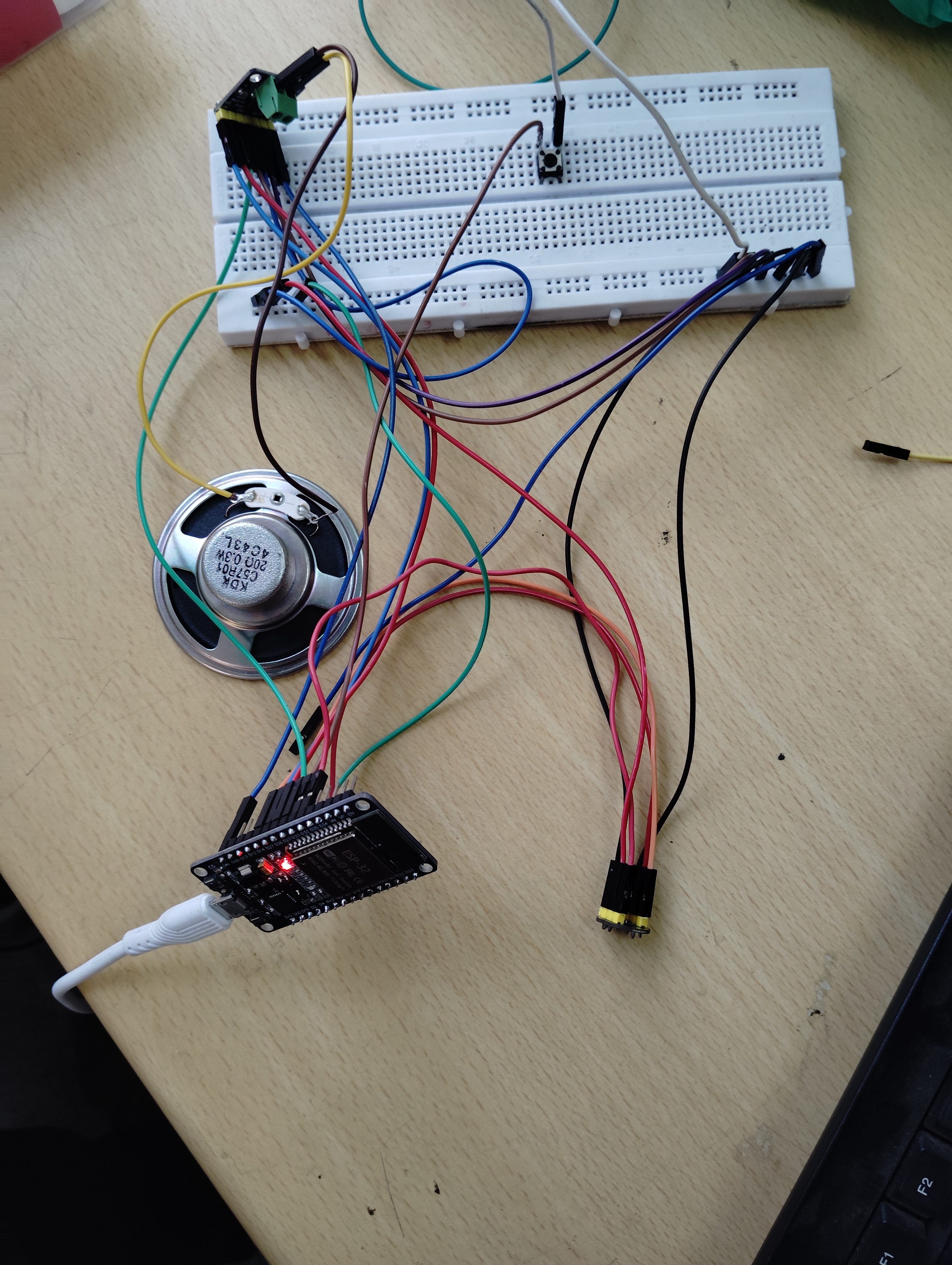
I tried implementing the complete system, but the hardware did not work properly as a whole. To identify the issue, I tested each component individually. The speaker worked correctly and produced a beep sound during testing. However, problems were encountered when the microphone and amplifier were used together, so the complete audio loop could not function as expected.